How to select a rugged touchscreen for industrial use, focusing on durability, temperature tolerance, and customization options?
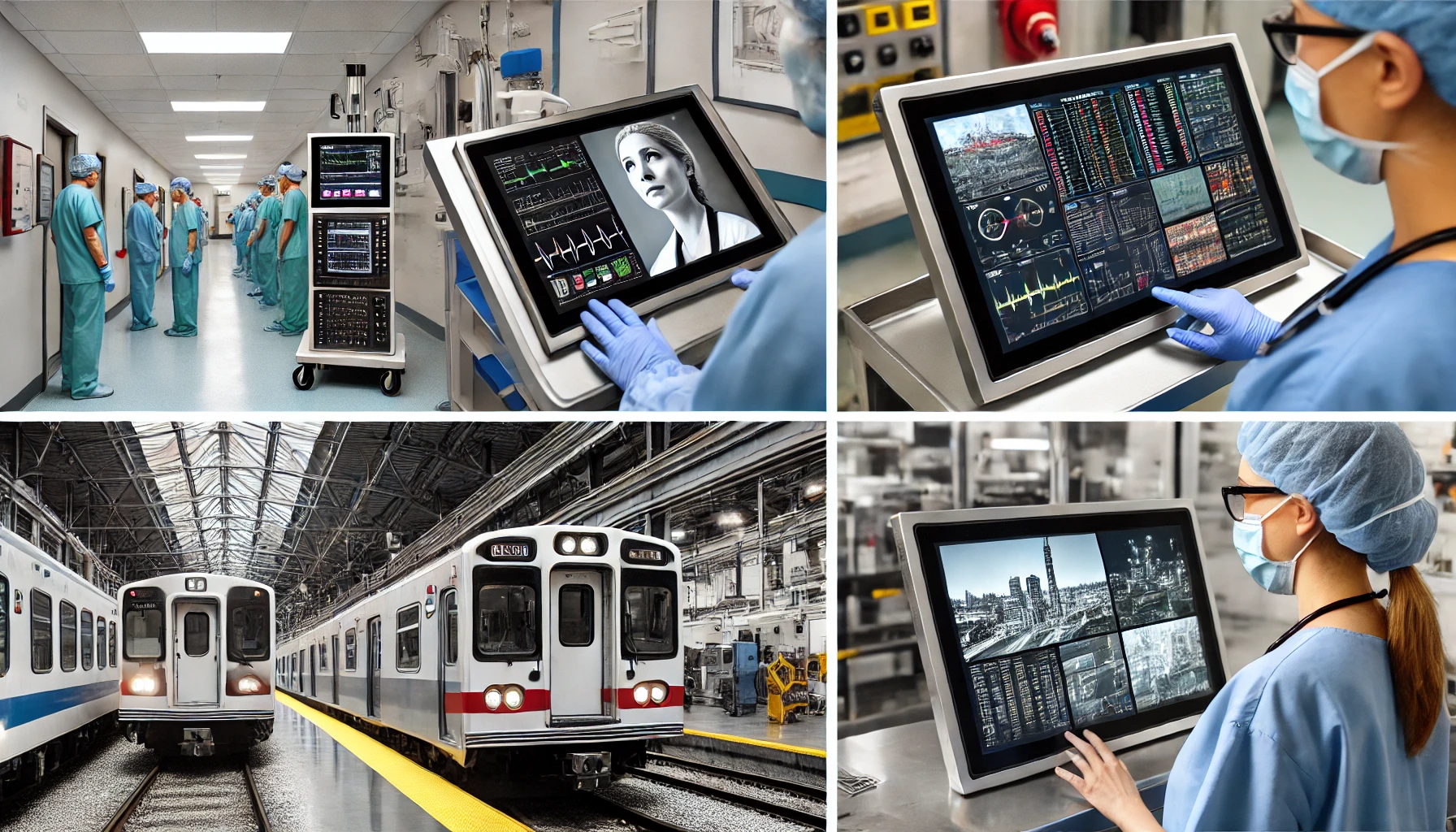
Industrial environments pose unique challenges for display technologies. Choosing a rugged touchscreen that can endure harsh conditions, such as extreme temperatures, humidity, or physical impact, ensures reliability and enhances operational efficiency. But how do you know which rugged touchscreen suits your specific needs?
Searching for a display that thrives in rugged environments? This guide covers everything you need to know about selecting durable touchscreens for industrial and outdoor applications.
Whether you're managing manufacturing operations or outdoor kiosks, rugged touchscreens are tailored for challenging environments. Let’s delve into what makes these displays stand out and why they are indispensable in demanding applications.
Rugged touchscreens combine advanced technology, robust materials, and industry-specific features to deliver unmatched durability and performance.
Table of Contents
- What Makes a Touchscreen "Rugged"?
- How Do Rugged Touchscreens Handle Extreme Environments?
- What Customization Options Are Available for Rugged Touchscreens?
- What Industries Benefit Most from Rugged Touchscreens?
- How to Maintain and Extend the Life of a Rugged Touchscreen?
What Makes a Touchscreen "Rugged"?
Not all touchscreens are created equal. A rugged touchscreen is defined by its ability to resist environmental, physical, and operational stressors. But what features truly make a touchscreen rugged?
Explore the structural and technological advancements that transform regular displays into rugged ones.
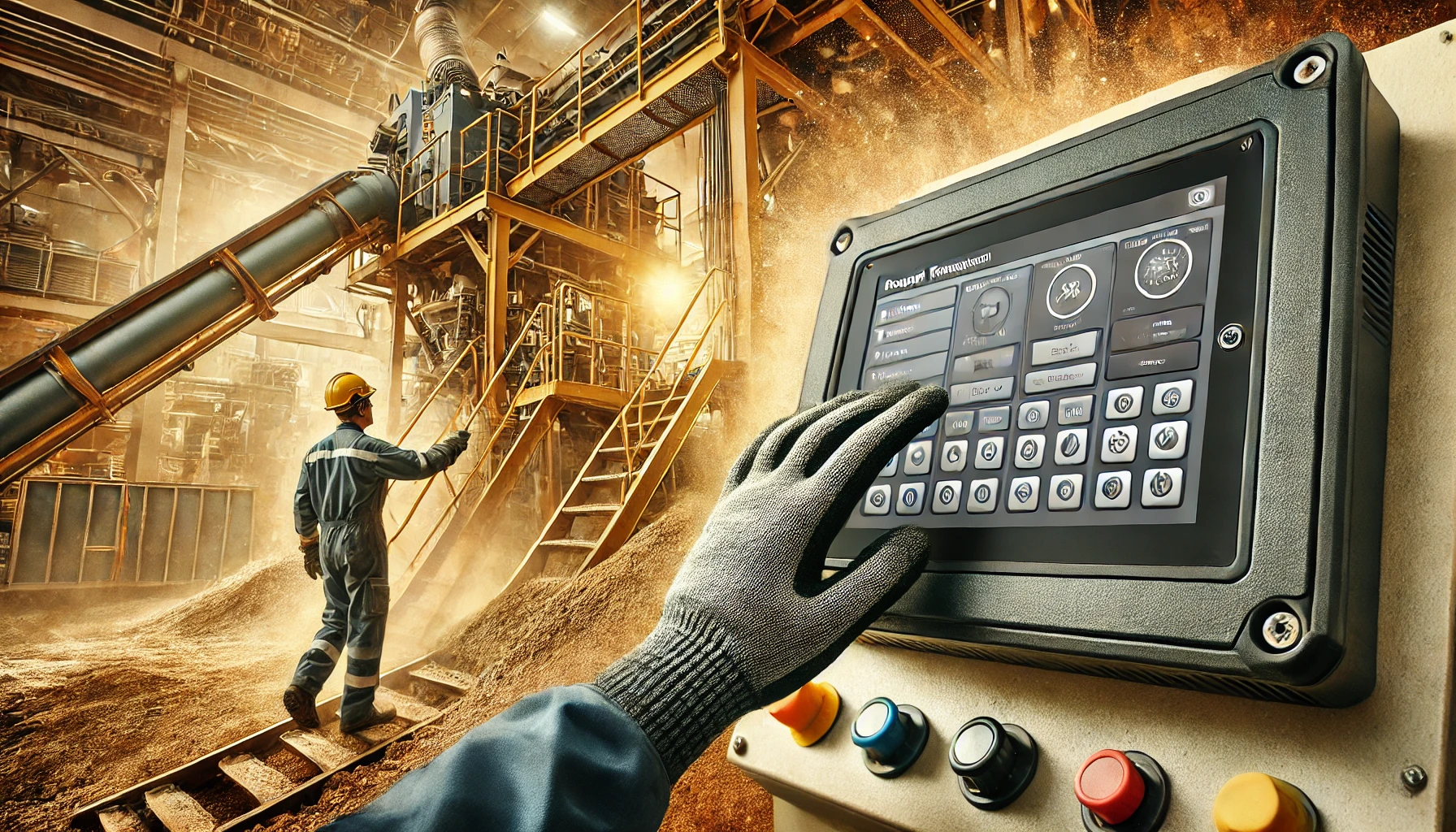
Rugged touchscreens feature:
- Tempered Glass: Provides resistance to scratches and impacts.
- Sealed Enclosure: Protects against dust, water, and chemical exposure (rated by IP65 or IP68 standards).
- Advanced Touch Technology: Includes capacitive or resistive options for precise input, even with gloves or wet hands.
These touchscreens undergo rigorous testing to ensure performance under challenging conditions, such as prolonged vibration, pressure, and high traffic usage.
- Tempered glass offers up to 5x greater impact resistance compared to regular glass.
- Sealed designs can operate underwater or in dusty environments.
- Testing standards like MIL-STD-810 ensure military-grade durability.
How Do Rugged Touchscreens Handle Extreme Environments?
Environmental conditions, such as temperature fluctuations or high humidity, can wreak havoc on ordinary touchscreens. Rugged touchscreens are engineered to excel in such extremes.
Learn how rugged touchscreens maintain performance under the harshest environmental conditions.
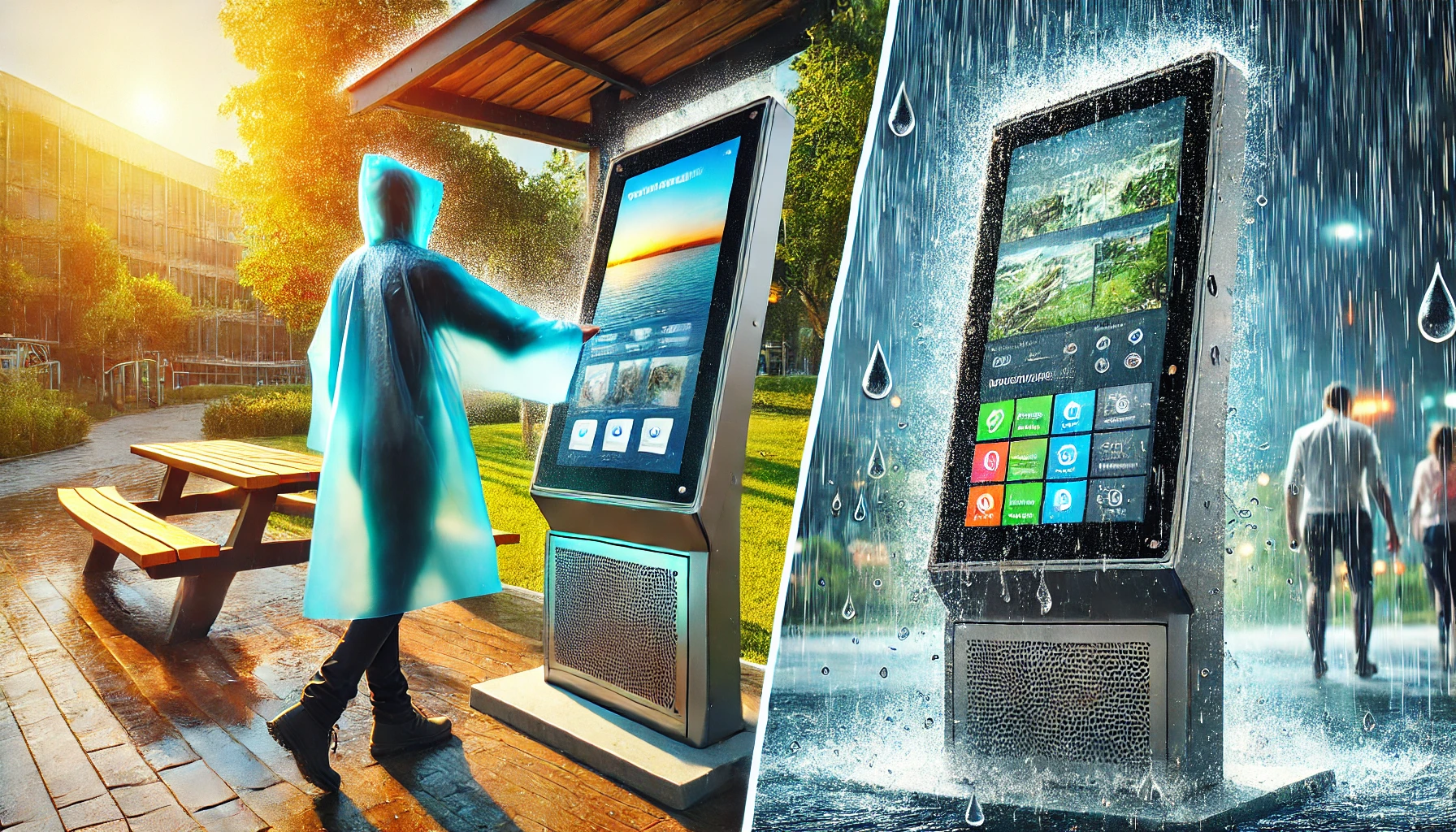
Rugged touchscreens handle extreme environments with:
- Wide Operating Temperatures: Typically ranging from -30°C to 85°C for cold and hot climates.
- Brightness and Anti-Glare Coatings: Ensures visibility under direct sunlight.
- Moisture Resistance: Operates seamlessly in humid or wet conditions, thanks to sealed designs.
- Adaptive Technologies: Adjust brightness automatically based on ambient light.
For example, rugged touchscreens used in arctic zones or deserts deliver consistent performance where standard displays would fail.
- Operates reliably in temperatures as low as -30°C or as high as 85°C.
- Anti-glare surfaces reduce reflection by over 90%.
- IP-rated designs are resistant to rain, humidity, and even temporary submersion.
What Customization Options Are Available for Rugged Touchscreens?
Industries often require custom features tailored to their unique environments and applications. Rugged touchscreens can be fully customized to meet these specific demands.
Discover the wide range of customization options available for rugged touchscreens to optimize their performance.
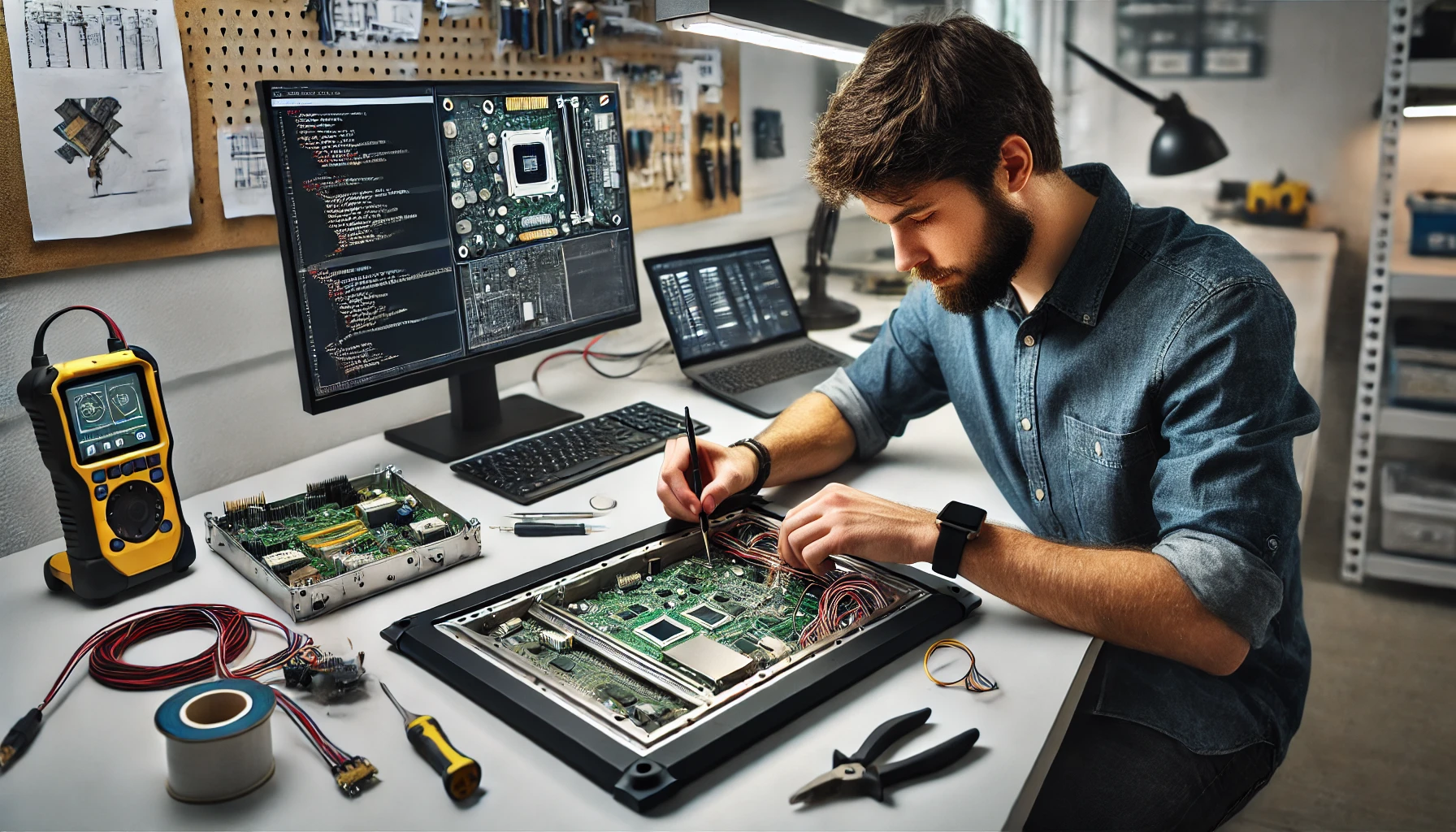
Customization options for rugged touchscreens include:
- Touch Technology: Capacitive or resistive touch for gloved and multi-touch applications.
- Screen Sizes: Ranging from 7 inches for compact devices to over 43 inches for larger industrial systems.
- Brightness Levels: High-brightness options up to 2000 nits for outdoor applications.
- Interface Compatibility: HDMI, VGA, and USB connectivity for seamless integration.
- Protective Coatings: Anti-smudge or anti-reflective coatings to reduce maintenance.
Custom mounting options, such as panel-mount or VESA compatibility, ensure flexibility in installation.
- Capacitive touch technology supports multi-touch and gestures.
- High-brightness options ensure readability even in direct sunlight.
- Anti-reflective coatings improve visibility by up to 80%.
What Industries Benefit Most from Rugged Touchscreens?
From industrial manufacturing to outdoor retail kiosks, rugged touchscreens are essential in industries requiring reliable, durable, and precise display solutions.
Uncover the industries leveraging rugged touchscreens for efficiency and safety.
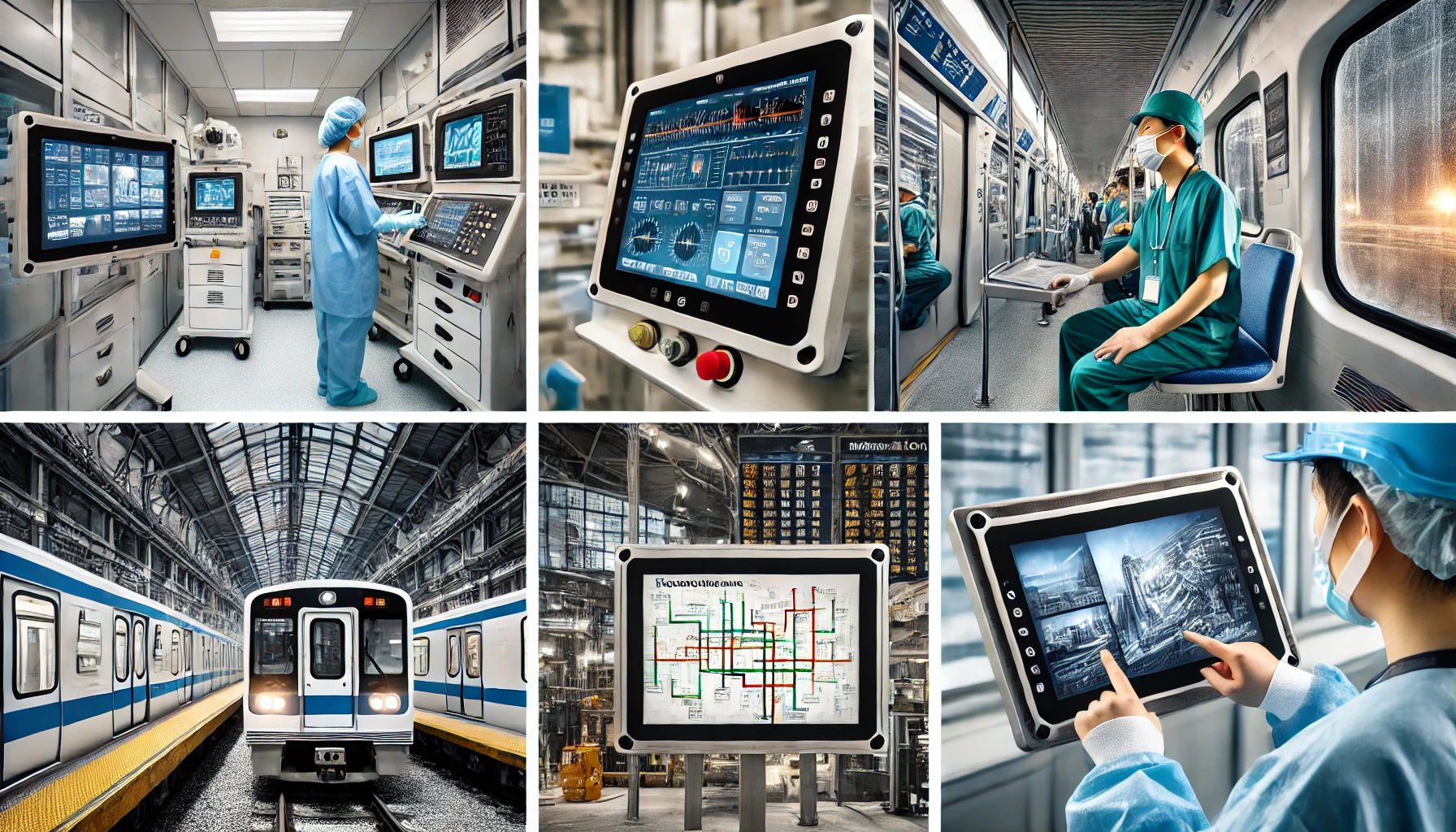
Key industries include:
- Manufacturing: Withstands vibration, heat, and dust.
- Healthcare: Easy-to-clean surfaces for sterile environments.
- Transportation: Operates reliably in extreme weather for navigation and ticketing.
- Outdoor Retail: Weatherproof designs for kiosks and digital signage.
- Military Applications: MIL-STD-810-certified for shock and temperature resistance.
Each industry benefits from rugged touchscreens' durability and ability to operate continuously without performance loss.
- Manufacturing: Improved operational reliability.
- Healthcare: Complies with strict hygiene standards.
- Transportation: Withstands shocks and vibrations on vehicles.
How to Maintain and Extend the Life of a Rugged Touchscreen?
Proper maintenance ensures that rugged touchscreens deliver consistent performance over years of use.
Learn the best practices for maintaining rugged touchscreens in industrial environments.

Tips for extending touchscreen life:
- Regular Cleaning: Use appropriate cleaning solutions to prevent buildup.
- Proper Installation: Ensure correct mounting to avoid unnecessary stress.
- Avoid Overloading: Keep input within the touchscreen's design limits.
- Environment Monitoring: Maintain the environment within specified operating conditions.
- Regular maintenance can extend the lifespan by up to 40%.
- Correct installation reduces the risk of physical damage.
Final Takeaway
Investing in a rugged touchscreen tailored to your industry and environmental conditions ensures reliability, efficiency, and durability. When combined with proper maintenance, these displays can significantly enhance productivity in demanding applications.
[External Links Recommendation]


