
Long-term display availability for oil and gas equipment is an engineering requirement, not only a purchasing preference. A drilling controller, pipeline station, analyzer, compressor package, or offshore HMI may need production support and field service long after the original LCD platform has changed.
The risk is wider than panel discontinuation. A display can become difficult to reproduce because its backlight, timing controller, touch IC, controller board, firmware, connector, cable, optical material, or approved manufacturing process changes. One unavailable part can force a mechanical, electrical, software, or compliance review.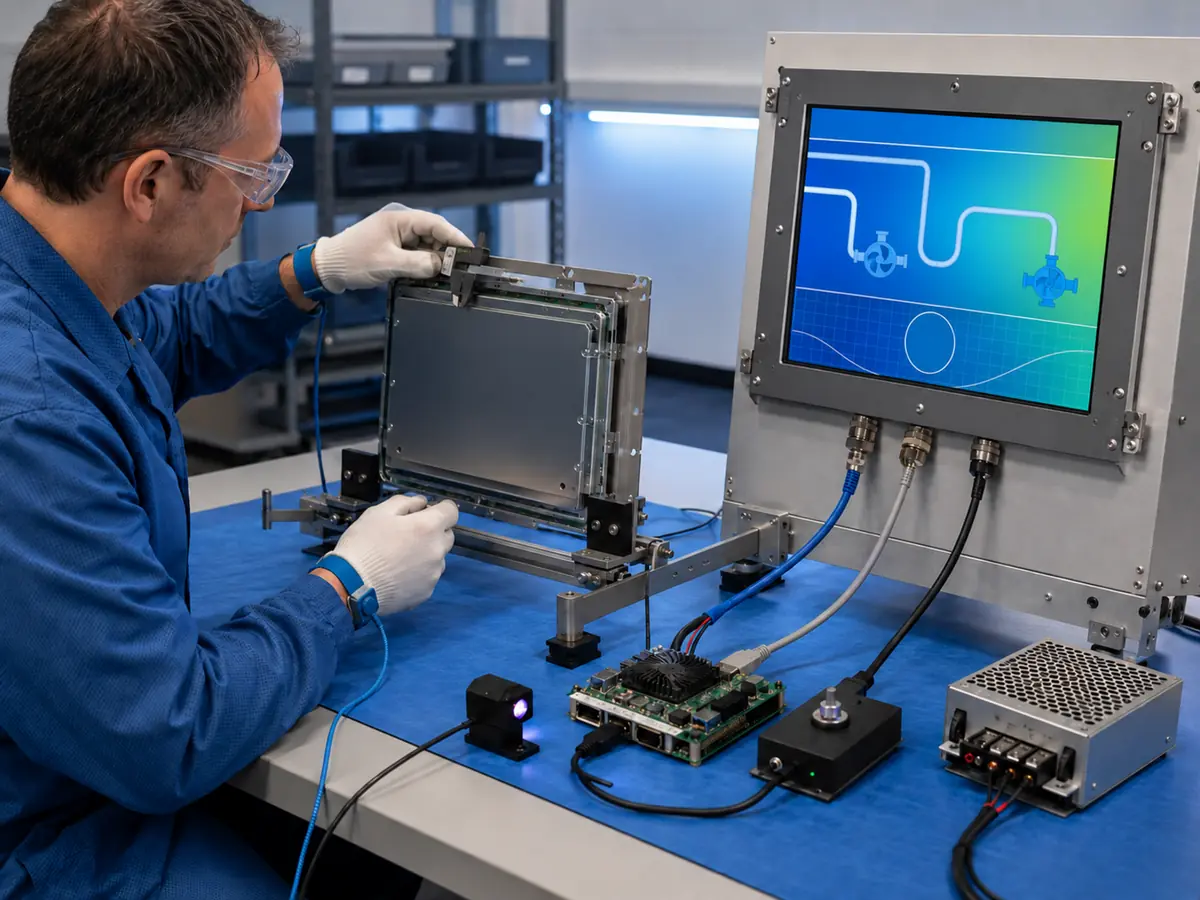
Lifecycle planning should therefore begin before the enclosure and HMI software are released. Engineers need a controlled configuration, product-status information, change-notification process, demand forecast, approved alternatives, spare strategy, and a validated path for replacement or redesign.
Quick Answer: Long-term availability matters because oil and gas equipment often remains in production or service longer than an individual display component. A discontinued LCD can affect the opening, bracket, interface, cable, power, backlight, touch mapping, controller firmware, software resolution, environmental performance, and certification evidence. Engineers should select industrial panels with suitable lifecycle positioning, control exact models and revisions, monitor product-change and end-of-life notices, forecast production and service demand, qualify alternatives early, and preserve the drawings, firmware, samples, test records, and approval decisions needed for a controlled replacement.
Claim: Display availability is a system-lifecycle property involving the panel, touch, controller, firmware, cables, mechanics, materials, documentation, suppliers, and qualification evidence—not a promise that one LCD part number will remain unchanged indefinitely.
1. Why Does Long-Term Display Availability Matter in Oil and Gas Equipment?
Oil and gas machinery can be deployed across remote sites and may require years of spare-part support. The display is physically and digitally integrated into the equipment, so changing it is rarely equivalent to replacing a desktop monitor.
Direct answer: Long-term availability protects production continuity, field maintenance, software stability, controlled equipment construction, and qualification evidence. Without a lifecycle plan, a low-cost display change can become an enclosure redesign, controller project, software update, site retrofit, or renewed compliance assessment.
Why Can Equipment Life Exceed the LCD Product Cycle?
Oil and gas assets are often designed around long capital and service periods, while display technology continues to change in resolution, aspect ratio, interface, backlight, glass construction, and manufacturing process. Demand for an older panel may eventually become too small to support continued production.
An industrial lifecycle position can reduce risk, but it is not a guarantee of permanent availability. The equipment plan should assume that changes will occur and establish how they are detected, evaluated, approved, purchased, and documented.
What Does Display Obsolescence Include?
Obsolescence includes more than an official end-of-life notice. A component may remain orderable but become unsuitable because lead time, minimum quantity, manufacturing location, specification, revision, regulatory status, or supporting controller changes.
The affected item can be the LCD, LED backlight, timing device, touch sensor, touch controller, display controller, memory, connector, cable, cover-glass material, coating, adhesive, gasket, firmware tool, operating-system driver, or production test fixture.
Why Is the Same Diagonal Size Not a Replacement?
Two 15-inch or 15.6-inch panels can have different aspect ratios, active areas, outlines, thicknesses, mounting positions, connector locations, resolutions, interfaces, voltages, timings, brightness levels, viewing directions, temperature ranges, and power sequences.
A same-size panel may require a new bracket, glass window, cable, controller, EDID, software layout, or touch mapping. The comparison must therefore include the active area and complete mechanical stack rather than the nominal diagonal alone.
How Can Obsolescence Affect Field Service?
A field technician needs a replacement that fits, starts reliably, displays the correct image, accepts the intended touch input, and preserves the equipment configuration. An unvalidated substitute can create intermittent faults that are more difficult to diagnose than a complete failure.
Remote sites also increase logistics time and access cost. A replacement plan should identify service stock, packaging, storage, programming, calibration, tools, instructions, authorization, and post-installation tests before an installed unit fails.
Why Can a Display Change Affect Compliance?
A panel change can alter power consumption, stored energy, surface temperature, heat transfer, glass support, sealing, materials, EMC behavior, touch circuitry, cables, and fault response. These changes may affect evidence used for environmental, electrical, functional-safety, or hazardous-area approval.
The responsible equipment manufacturer and certification parties should decide whether the replacement remains within the assessed configuration or requires updated drawings, analysis, tests, labeling, instructions, or approval. A supplier's compatibility statement cannot replace that decision.
Claim: Display obsolescence can affect production, service, software, mechanics, environmental performance, and compliance simultaneously because the LCD is integrated into a controlled equipment architecture.
2. Which Display Items Must Remain Under Lifecycle Control?
Lifecycle control begins with an accurate product definition. Ordering “a 12.1-inch LVDS screen” does not preserve a system configuration because that description omits the attributes that determine electrical, mechanical, optical, and software compatibility.
Direct answer: Control the exact LCD model and revision, manufacturer, interface, timing, voltage, connector, pinout, backlight, touch sensor and controller, cover glass, bonding, controller board and firmware, EDID or display configuration, cables, drawings, approved suppliers, inspection criteria, software settings, and qualified alternatives.
How Should the LCD Model and Revision Be Controlled?
The bill of materials should identify the complete manufacturer part number, approved suffix, revision limits, and any project-specific selection requirements. Receiving inspection should verify labels and critical construction rather than accept a shortened commercial description.
If the manufacturer introduces a new revision, compare the change notice, datasheet, drawings, optical and electrical specifications, reliability information, and sample behavior. A revision should not enter production merely because the base model name remains familiar.
Why Must Interfaces and Timing Stay Documented?
Record the signal family, lane or channel count, bit mapping, color depth, resolution, refresh rate, pixel clock, voltage levels, connector, pinout, cable construction, power sequence, backlight enable, and dimming method. Interface names alone do not define compatibility.
Host and panel documentation should remain available with the released design. Native and monitor-level interface differences are explained in What Display Interfaces Are Used in Oil and Gas Equipment?.
Why Must Touch and Cover Glass Be Included?
The replacement LCD must align with the touch active area, viewing window, printed border, adhesive, gasket, enclosure opening, and touch-controller tuning. A different panel frame or active-area position can shift the image beneath an unchanged touch and glass assembly.
Control the touch IC, sensor pattern, firmware, interface, tail location, glass type, thickness, coating, ink, bonding material, and assembly process. A touch-controller discontinuation can require new tuning and system testing even if the LCD remains available.
How Do Controller Firmware and EDID Affect Availability?
A controller board may contain panel-specific timing, resolution, power sequencing, backlight control, input selection, scaling, and EDID behavior. Replacing the board or LCD without the correct firmware can produce no image, wrong colors, unstable startup, or an image that is scaled incorrectly.
Archive released firmware, configuration files, programming tools, checksums, revision records, and restoration instructions. Do not depend on one engineer's laptop or an undocumented supplier setting to reproduce service units years later.
Which Drawings and Samples Should Be Preserved?
Preserve LCD and touch drawings, controller and cable drawings, pinouts, glass artwork, bonding stack, gasket definition, bracket drawing, enclosure opening, assembly instructions, inspection criteria, approved deviations, and photographs of the released construction.
A controlled golden sample can help compare image, touch, mechanics, labels, cable direction, and startup behavior. It does not replace drawings or measurement, and its storage conditions and revision identity must remain known.
How Should Approved Alternatives Be Defined?
An approved alternative should have a documented comparison, identified differences, implementation instructions, affected parts, test evidence, software or firmware requirements, and clear usage conditions. “Equivalent” should describe a verified configuration, not a purchasing assumption.
Alternatives can be approved during original development or added later through change control. Early qualification is more useful because samples, engineering staff, test equipment, and certification knowledge are still available.
Claim: A reproducible display configuration requires controlled part numbers, revisions, drawings, firmware, materials, processes, samples, inspection criteria, and approved alternatives throughout production and field service.
3. How Can Engineers Reduce Display Obsolescence Risk?
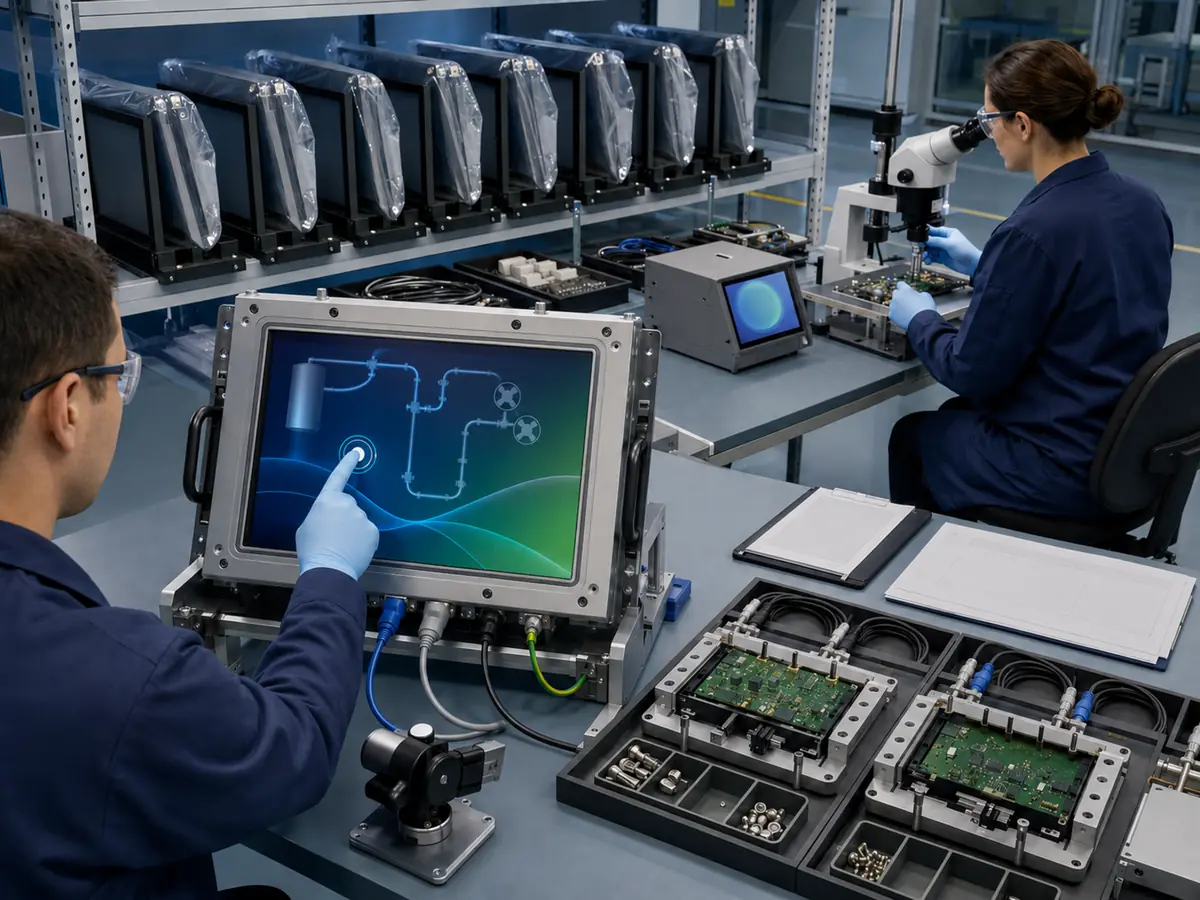
Obsolescence cannot be eliminated, but it can be managed before it becomes an emergency. The strongest plan connects design choices, supplier communication, forecasting, inventory, documentation, alternate qualification, and redesign triggers.
Direct answer: Select panels with lifecycle information appropriate to the program, build a complete obsolescence plan, request product-change and end-of-life notification, maintain rolling demand forecasts, identify high-risk single-source items, qualify alternatives where practical, preserve service stock correctly, and keep the architecture adaptable without weakening configuration control.
When Should Obsolescence Planning Begin?
Begin during requirements and architecture development. The expected production period, service period, annual quantity, regional installations, qualification cost, replacement access, and compliance scope should influence panel and controller selection before the enclosure is released.
IEC 62402 provides requirements and guidance for obsolescence management across lifecycle phases. It can inform the management process, but it is not a product certification or a guarantee that a component will remain available.
How Should Product-Change and End-of-Life Notices Be Managed?
Define who receives a product change notice, who evaluates it, how quickly the review occurs, and which functions must approve the response. Notices should be linked to the affected bill of materials, stock, open orders, products, customers, certificates, and field population.
Check whether the notice changes specification, factory, process, material, component, firmware, label, packaging, minimum order, lead time, last-order date, or final shipment date. “No fit, form, or function change” may still require a documented review.
How Can Forecasting Improve Supply Continuity?
Provide realistic rolling forecasts for production, warranty, repair, commissioning, and long-term service. Include yield loss, destructive testing, regional depots, expected field failures, and the time needed to qualify a replacement.
Forecasting does not create a contractual supply guarantee, but it helps suppliers plan materials and identify risk earlier. Large differences between forecast and actual purchases can weaken the usefulness of the lifecycle plan.
Should Engineers Approve More Than One Display?
Multiple approved sources can reduce dependence, but only when each configuration is genuinely validated. Two panels may require different cables, brackets, controller firmware, touch mapping, brightness settings, inspection limits, or software scaling.
The bill of materials and assembly instructions should identify these branches clearly. An uncontrolled mixture of panel, cable, and firmware versions can create more operational risk than a managed single-source design.
How Can a Modular Architecture Support Replacement?
A defined display subsystem can separate the host from panel-specific timing through a controlled controller, cable set, mechanical frame, and software configuration. Standard external video and touch interfaces may also reduce host redesign when the display assembly changes.
Modularity does not make every monitor interchangeable. Resolution, EDID, power, startup, touch, mounting, EMC, thermal behavior, and enclosure requirements still need validation. The architecture is valuable when it localizes change and preserves stable boundaries.
How Should Lifecycle Stock Be Stored and Controlled?
Last-time-buy or service stock needs controlled temperature, humidity, cleanliness, electrostatic handling, packaging, stacking, traceability, inspection, and inventory rotation appropriate to the products and materials. LCDs, adhesives, gaskets, batteries, and bonded assemblies do not necessarily have the same storage limits.
Periodically inspect representative stock for packaging damage, moisture, corrosion, adhesive aging, label traceability, image, touch, and backlight function. Stored inventory is useful only if it remains identifiable and fit for the intended service configuration.
| Lifecycle Risk | Early Control | Evidence to Preserve |
|---|---|---|
| LCD revision change | PCN review and sample comparison | Datasheets, drawings, test decision |
| Panel end of life | Last-time-buy and alternate plan | Demand model, stock plan, approval |
| Touch IC discontinuation | New controller and firmware qualification | Tuning, interface, functional results |
| Controller-board change | Archive firmware and validate replacement | Schematics, configuration, checksum |
| Optical material change | Material and process requalification | Stack drawing and inspection limits |
| Long-term stored stock | Controlled storage and sample checks | Traceability and inspection records |
Claim: Obsolescence risk is reduced by early planning, change notification, realistic forecasting, validated alternatives, modular boundaries, controlled stock, and preserved engineering evidence.
4. How Should an Obsolete Display Be Replaced and Validated?
Replacement begins by defining the original system rather than searching only by diagonal and resolution. The project needs the installed panel, controller, cable, touch, glass, host, software, power, enclosure, environmental requirements, and approval records.
Direct answer: Compare candidate displays line by line, identify every difference, select direct replacement or controlled redesign, build production-intent samples, validate image, touch, startup, mechanics, environment, EMC, power, software, and compliance impacts, then release the complete new configuration with controlled documentation and service instructions.
What Defines a Direct Replacement?
A direct replacement should match every characteristic required by the equipment without unapproved changes. These may include active area, outline, thickness, mounting, connector position, interface, pinout, voltage, timing, mapping, backlight, brightness, temperature, viewing direction, power sequence, touch alignment, and software behavior.
Few replacements are identical in every datasheet field. The engineering team should distinguish differences that are irrelevant, differences within the approved range, and differences that require design or qualification work.
When Is a Last-Time Buy Better Than Redesign?
A last-time buy can be practical when remaining demand is predictable, storage is manageable, the design is near the end of service, and replacement qualification would cost more than controlled inventory. It also carries forecast, aging, storage, and excess-stock risk.
A redesign can be preferable when the service horizon is long, demand is uncertain, the original platform has several obsolete parts, or the new architecture improves future adaptability. Compare total lifecycle cost rather than only unit price.
How Should Candidate Samples Be Compared?
Use controlled drawings, datasheets, continuity checks, electrical measurements, image patterns, optical inspection, touch tests, startup sequences, and production software. Compare the candidate with a known approved unit at relevant brightness, temperature, viewing angle, and operating state.
Record all adapters, modified cables, firmware versions, temporary brackets, and software settings used during evaluation. A sample that works through undocumented laboratory changes is not ready for production.
Which System Tests May Need to Be Repeated?
Depending on the change, testing may include mechanical fit, vibration, shock, temperature, humidity, corrosion, ingress protection, sunlight readability, EMC, ESD, power disturbances, long operation, video interruption, touch behavior, startup, shutdown, and recovery.
Use the actual enclosure, host, BIOS, operating system, drivers, HMI application, controller, cables, grounding, power supply, and mounting. The responsible equipment requirements determine test levels and pass criteria.
How Do Hazardous-Area Requirements Affect Replacement?
Changing the LCD, backlight, controller, touch, glass, bonding, gasket, cable, connector, power component, or firmware can affect energy, heat, surface temperature, window construction, electrostatics, sealing, faults, or certificate drawings.
The responsible manufacturer and certification parties should evaluate the proposed change before installation in classified equipment. The equipment-level boundary is explained in What Hazardous-Area Requirements Apply to Oil and Gas Displays?.
What Must Be Released After Replacement Approval?
Update the bill of materials, approved-vendor list, drawings, cable definition, firmware, software settings, assembly instructions, inspection criteria, test records, labels where affected, service manual, spare records, and configuration applicability. Identify which equipment serial numbers receive the change.
Retain the engineering comparison and approval rationale. Future teams need to understand why the replacement was accepted, which differences were tested, and which combinations of panel, controller, cable, firmware, and software are permitted.
Claim: An obsolete display is replaced successfully only when the complete new configuration is compared, tested, approved, documented, and traceable across production and field service.
5. What Advantages Does XIANHENG Offer for Oil and Gas Display Projects?
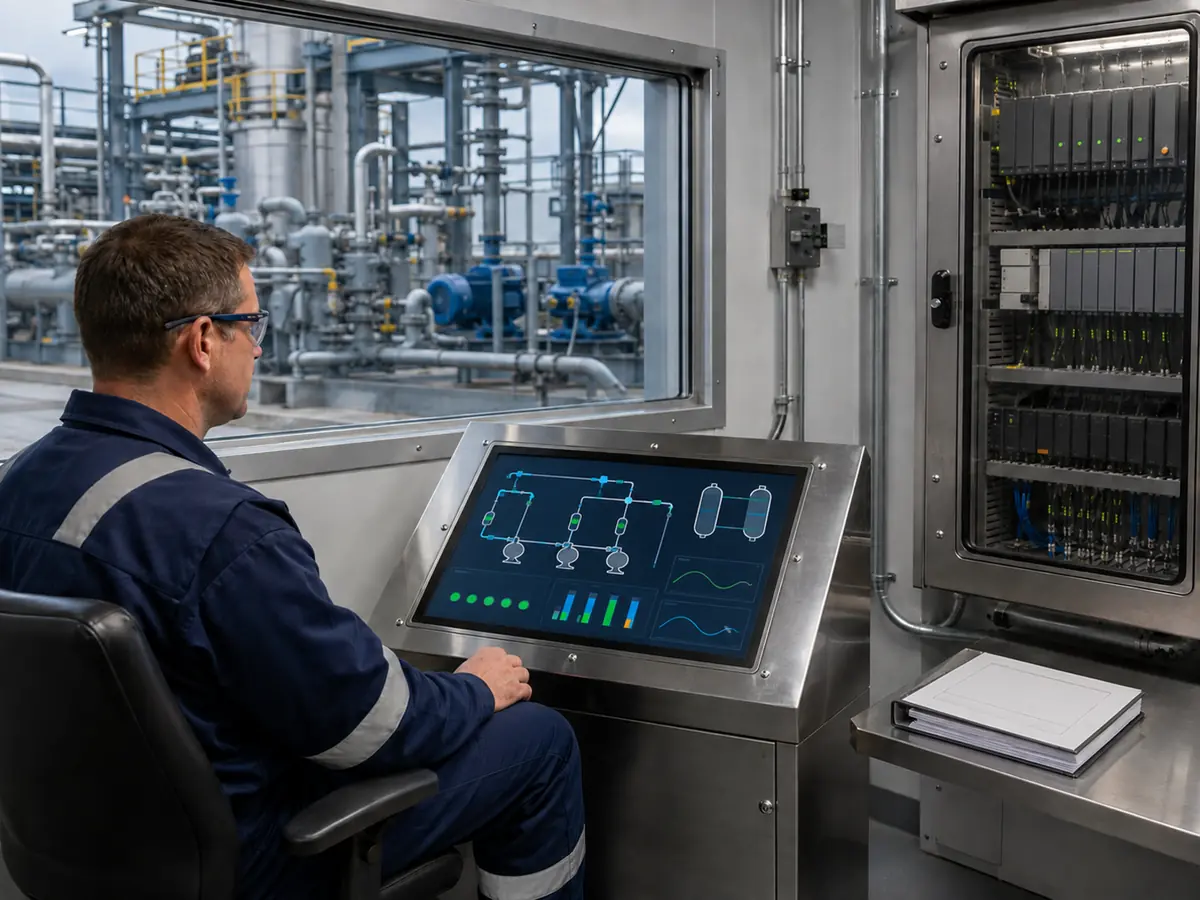
XIANHENG supports lifecycle planning for displays used in drilling controls, well-service equipment, analyzers, pump and compressor packages, metering skids, pipeline stations, loading systems, refineries, offshore machinery, and remote HMIs. Support can begin during new design or after an original display becomes difficult to source.
Direct answer: XIANHENG can help customers compare industrial TFT LCD lifecycle positions, review panel status, coordinate PCAP or resistive touch, customized cover glass, optical bonding, controller boards, firmware, cables, samples, inspection, replacement analysis, and supply planning. Customers can review panel starting points in the Industrial LCD Product Collection. Final equipment configuration, forecast ownership, compliance decisions, and qualification remain with the responsible manufacturer and certification parties.
How Can XIANHENG Help Select a Lifecycle-Suitable LCD?
Customers can provide the production period, service target, annual volume, preferred size and resolution, interface, brightness, temperature, touch, mechanics, and compliance constraints. XIANHENG can compare candidate panels across lifecycle information, manufacturer position, technical fit, quantity, and expected procurement pattern.
Selection should balance availability with engineering suitability. A panel with a favorable supply position still needs the correct optics, mechanics, power, interface, temperature, and environmental integration.
Can XIANHENG Support Change and End-of-Life Communication?
For supported products and projects, available manufacturer or supplier change information can be communicated so customers can review affected configurations, order timing, sample needs, and alternatives. Contact and purchasing records should remain current so notices reach the responsible people.
The customer should maintain its own controlled PCN and EOL process because equipment impact, certification scope, installed population, and service demand are known most accurately by the equipment owner.
How Can XIANHENG Compare Replacement Candidates?
Customers can provide the original LCD, touch, controller and cable models; datasheets; drawings; photographs; host output; software resolution; certification-controlled items; annual demand; and a working sample when available. XIANHENG can prepare a technical comparison and candidate configuration.
Differences in mechanics, interface, timing, power, brightness, viewing angle, temperature, touch, firmware, cables, and availability can be identified before samples are built. The customer then completes its system and compliance validation.
Can Controllers and Cables Extend an Equipment Platform?
A suitable controller can translate a supported standard host input into the native requirements of a replacement LCD. Firmware can coordinate resolution, timing, scaling, EDID, input selection, backlight, startup, and recovery. Customized cables can control connectors, pinouts, length, shielding, and direction.
This approach can localize change to the display subsystem, but it adds components that also require lifecycle control. The completed solution should be validated with the production host, software, enclosure, power, grounding, and environmental conditions.
What Information Should Customers Send to Start?
Useful inputs include the equipment type, original panel, controller, touch and cables, available drawings, size, resolution, host interface, software, enclosure, brightness, temperature, environmental and hazardous-area requirements, current stock, annual production, installed base, service period, last-order date, schedule, and acceptable redesign scope.
To discuss lifecycle planning, an obsolete oilfield HMI, drilling-control display, offshore touchscreen, panel replacement, controller solution, customized cable, or last-time-buy alternative, please reach out to XIANHENG.
Claim: XIANHENG can support long-term display availability through panel comparison, lifecycle communication, controlled touch and glass, controllers, firmware, cables, samples, replacement analysis, and supply planning while keeping final equipment responsibilities defined.


